Making Codex My Local Agent Runtime
I spent months turning Pi into the agent environment I wanted. It powered my Discord agent, kept project memory, ran scheduled jobs, and gave me the background-work features I wrote about in Pi as Dotfiles for Agents.
Then I started preferring Codex.
The desktop app handled long-running tasks, approvals, tools, and handoffs better than the workbench I was building around Pi. More importantly, the Codex app server exposed the same runtime to other clients. I did not need another agent loop. I needed Codex to work with the model infrastructure I already had.
Routing My Models into Codex
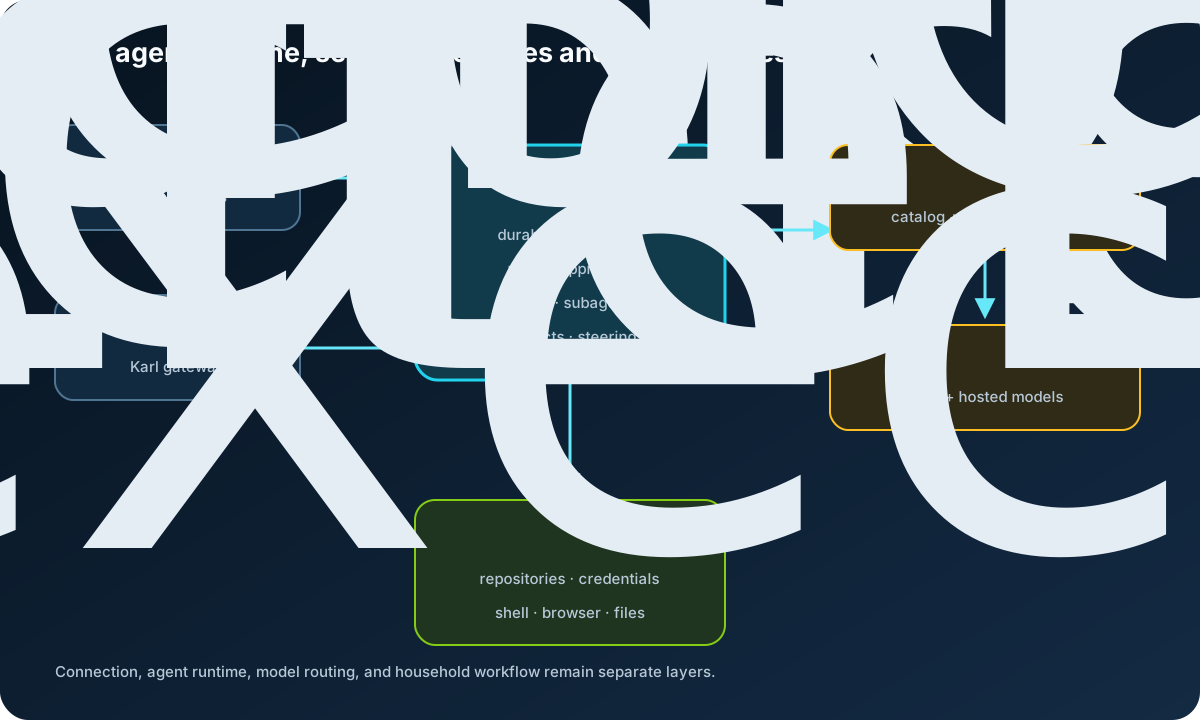
My local Qwen models and hosted accounts already sat behind LiteLLM. OpenCodex, a third-party compatibility layer, let me keep that routing while using Codex:
Codex app server
  -> OpenCodex
      -> native OpenAI models
      -> LiteLLM
          -> local Qwen
          -> hosted models
OpenCodex namespaces each provider and model, so litellm-personal/qwen cannot silently fall through to a different provider. It also translates the upstream model list into a catalog the Codex picker can display.
The annoying part was caching. The CLI saw new models while the desktop app kept showing the old list. Restarting OpenCodex was not enough because existing app-server processes still held the previous catalog in memory.
My update sequence is now:
update OpenCodex
  -> reload it and wait for readiness
  -> refresh the Codex cache
  -> restart existing app servers
  -> test a real request
The managed command for the last steps is:
ocx sync-cache --restart-codex
Without that command, the proxy could be correct while the model picker stayed stale.
Using It from My Phone
Codex Remote made the phone useful without turning it into the execution host. The phone controls work running on a connected computer; that computer keeps the files, credentials, and network access.
In my setup, a personal Mac also maintains an SSH connection to the development machine:
Phone
  -> Codex Remote
      -> personal Mac
          -> SSH-connected development machine
              -> Codex app server and project files
The phone never needs an SSH key. I can start a task on the right machine, leave, and approve or steer it later from another screen.
One small failure taught me where the boundary really was: an interactive prompt in the remote shell broke the app-server handshake even though ordinary SSH still worked. The remote login shell has to start cleanly and put codex on PATH.
Replacing Pi Behind Karl
My household already used Karl through Discord channels for recipes, workouts, chores, and general requests. I kept that interface and replaced the backend:
Discord channel
  -> Karl
      -> one durable Codex task for that channel
          -> Codex app server
This was not a subprocess swap. Karl still had to own memory, schedules, Discord permissions, attachments, steering, queued messages, and crash-safe delivery.
The first pilot proved that Codex could handle the actual agent work: tools, browser research, Chrome, Computer Use, attachments, and visible progress. The surrounding runtime was not ready. Canary testing found that private channels and schedules did not fit the first state model, owner and household turns could share too much context, and some schedules had no active owner during the handoff.
I fixed those before the cutover. Each channel received its own durable task, schedules stayed in Karl instead of filling the desktop task list, household access was restored, and Pi was disabled only after a tested rollback existed.
Pi was not the wrong tool. It taught me which behaviors mattered. Codex now supplies the agent runtime; OpenCodex and LiteLLM route models; the remote machine owns execution; and Karl keeps the household-specific parts. That separation is the system I had been trying to build.